
You can completely customise the display order of the widgets on the “Overview” tab. Any widget that exists today can be re-ordered to best suit your requirements. To ensure that we cater for your platform view via a typical desktop/laptop display (widescreen), the Browser Extension or a tablet (typically portrait), you can configure two distinct ordering definitions which your platform which will automatically swap between depending on the width of your screen.
Dual Column Display:
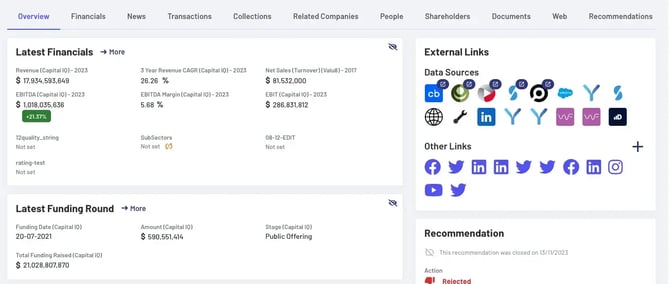
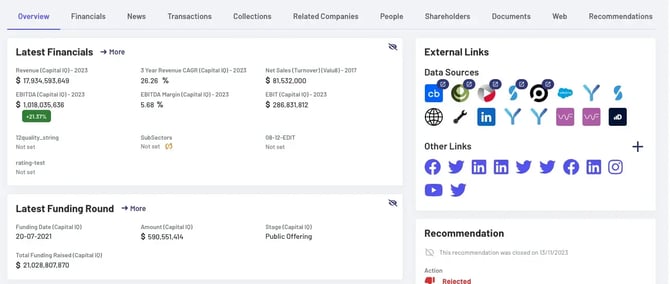
This display is used by wider screens and allocates widgets into two columns. Any widget can be allocated to either column and, within that column, displayed in any possible order. In the following examples, the left column has been reorganised to show “Latest Funding Round” first, and to display the “Recommendation” widget on top of the right one.
Before:
After
Single Column Display:
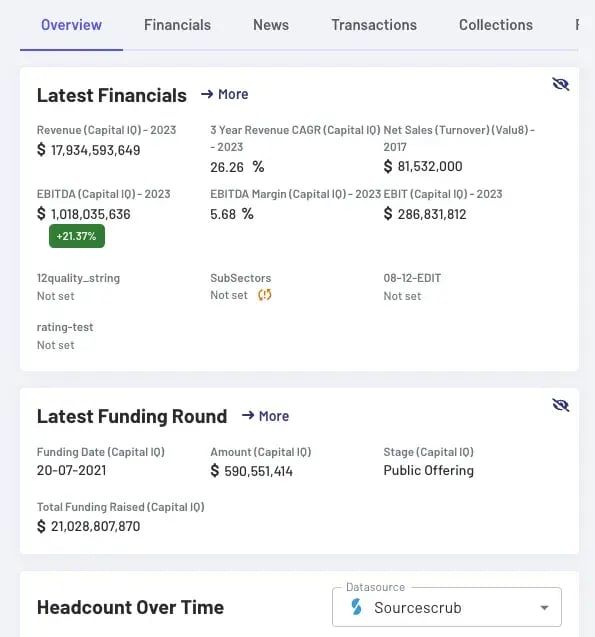
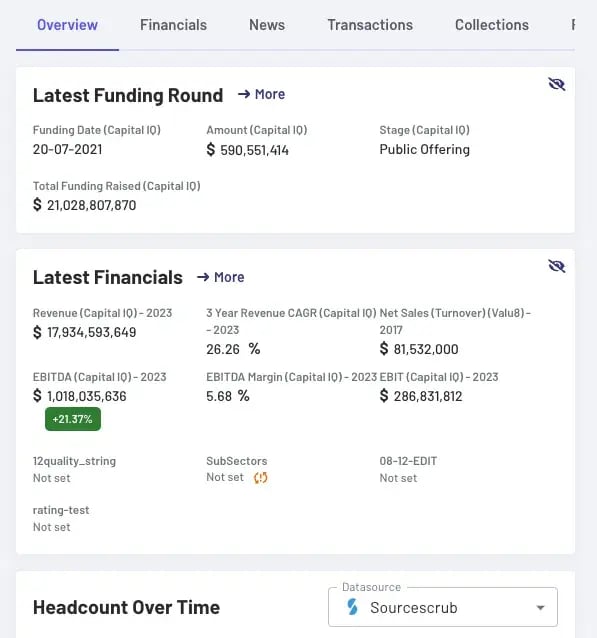
This display is used by narrower screens and allocates widgets to a single column. Within this column, any widget can be displayed in any order:
Before:
After
In general, the widget order is configured based on priorities, so you can request a custom organisation for a few widgets and the rest will simply maintain the default order on each column. To update your configuration, please contact your Filament Account Manager to find our more.